
Can One Bulk T-Shirt Order Include Different Designs?
Plan one bulk T-shirt order with several designs by separating artwork groups, quantities, setup, proofs, samples, packing and reorders.
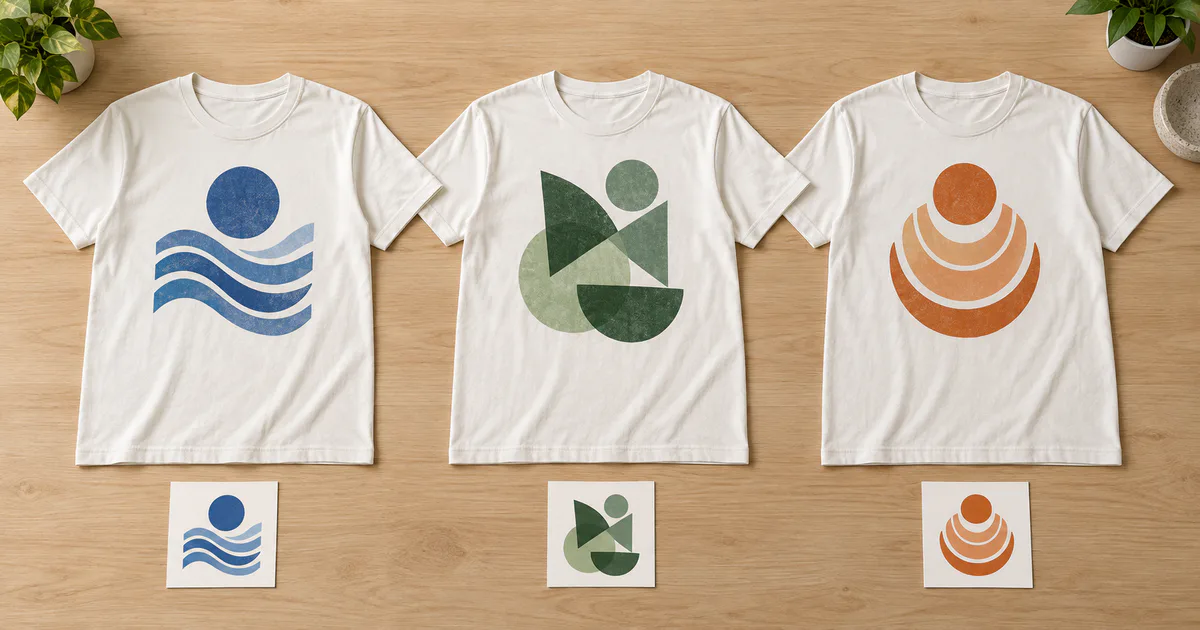
The short answer: yes, one bulk T-shirt order can include different designs, but manage it as one commercial order with several artwork groups. Give every design its own ID, approved file, garment specification, print details, quantity, price, proof and packing label. Do not assume that 100 shirts across four designs will be produced or discounted like 100 identical shirts.
This structure suits department uniforms, event crews, school houses, campaign teams and merchandise collections. It keeps one buyer, deadline and payable total while preventing the wrong artwork from reaching the wrong shirts.
Build a design-group matrix before requesting prices
List each version as a separate row, even when the shirts look similar:
| Design group | Garment and colour | Artwork ID | Decoration | Quantity |
|---|---|---|---|---|
| Sales team | Tee A, navy | SALES-FRONT-v3 | Left chest, 90mm wide, DTF | 30 |
| Operations | Tee A, navy | OPS-FRONT-v2 | Left chest, 90mm wide, DTF | 40 |
| Event crew | Tee A, navy | CREW-BACK-v4 | Upper back, 280mm wide, screen print | 30 |
Add a size subtotal beneath every row. If a group uses another cut, garment colour, position or method, split it again rather than hiding the variation inside a note.
The complete printing brief template helps capture the shared order details. The design matrix then controls the artwork-specific differences.
Share order controls, not artwork approvals
Different designs can normally share:
- buyer, authorised approver and invoice details;
- required receipt date and delivery address;
- one purchase order with separate line items;
- one master garment specification where it genuinely stays identical;
- one size-collection and packing plan; and
- one final reconciliation of quantities and payment.
Keep these separate for every design group:
- artwork ID, filename and approval status;
- exact garment code, colour and compatible size range;
- print or embroidery method;
- finished dimensions and measurable position;
- ink, thread or transfer colour references;
- quantity, setup, unit price and subtotal;
- proof, sample or first-off acceptance; and
- carton, bundle or named-pack label.
This prevents a vague instruction such as “use the department logos” from turning into production guesswork. A folder containing five files is not an approved allocation unless the printer can see which file belongs to which shirts.
Ask what combines under the chosen method
The printing method changes which work can be shared.
Silk screen
Screen printing applies colours through separate prepared screens. ScreenPrinting.com’s current process guide explains that multi-colour artwork is separated into colour layers and each colour receives its own screen.
A new design therefore normally means another artwork separation and screen set, even when the garment and ink colours stay the same. Ask whether the quotation separates screen preparation, ink changes and the per-design print run.
DTF and other digital transfers
Roland DG’s current DTF guide says multiple designs can be printed on one film sheet. That may help a printer use film efficiently, but it is not a universal promise that all designs share one unit price.
The quote may still depend on each transfer’s dimensions, total film area, white ink, cutting or separation, garment loading, heat-press work and quantity. Ask the printer to identify what is combined and what is priced by design.
Embroidery
Different embroidered logos normally need separate production records. Wilcom defines a production worksheet as the link between the designer and machine operator, including the design preview, size, colour sequence and special instructions.
Keep one worksheet or equivalent approval record for every logo version. A design with a different stitch count, size or colour sequence may have a different digitising or unit cost even when it appears on the same polo.
Use the bulk-discount guide to compare quantity tiers, but make the supplier state whether the tier applies to the whole order or only to each unchanged artwork group.
Define what counts as a new design
Treat a version as separate when it changes any production-critical element, including:
- logo, illustration or sponsor arrangement;
- wording, department name or event year;
- print dimensions or position;
- colour separation, underbase or thread sequence;
- garment colour when it changes the production recipe; or
- approved copyright or trademark owner.
Individual names and numbers are often variable data rather than completely new artwork. They still need a locked roster, spelling check, garment allocation and clear pricing. The printer should confirm whether they are charged per name, per transfer, per stitch count or another stated unit.
Prepare production files using the AI, PDF, PNG and SVG handoff guide. If a design belongs to another party, also confirm your permission to print the logo or character before production.
Approve every proof and sample by risk
Create one approval register with these columns:
| Artwork ID | Proof file | Garment | Size and position | Approver | Status |
|---|---|---|---|---|---|
| SALES-FRONT-v3 | sales-front-v3.pdf | Tee A navy | 90mm left chest | Name | Approved |
Do not approve “all designs” from a chat thumbnail. Open every final proof and check spelling, version, colours, dimensions, position and assigned quantity.
Require a physical sample or controlled first-off when a group changes the garment, method, print size, base colour, difficult placement or other production risk. A simple name change may use one approved base sample plus the final roster, but only when the supplier confirms that the material and settings stay unchanged.
Use the sample approval checklist and record exactly which groups the sample covers.
Pack and count by design, size and destination
Give every finished group a clear packing instruction. A carton label such as “Operations — OPS-FRONT-v2 — 40 pieces” is more useful than “Company shirts”. Inside, reconcile the sizes against that design’s subtotal before combining cartons for delivery.
If shirts are packed for named staff or branches, use a roster that maps person, product, size and artwork ID. The individual-packing guide explains when named packs, size bundles or carton separation are appropriate.
At receipt, count each design group separately. A delivery of 100 shirts is incomplete when the total is correct but the wrong department received ten extra pieces.
Freeze the records needed for a reorder
After approval, save the final artwork files, proof PDFs, sample photographs, garment code, colours, dimensions, method, order reference and quantity breakdown together. Mark superseded files clearly so an old department logo cannot return in the next run.
A later reorder still needs fresh stock, colour and price confirmation. The uniform reorder guide covers the limits of matching a previous batch.
Send one quote-ready multi-design brief
Attach the design-group matrix, artwork files, size breakdowns, required date, delivery postcode, packing rule and sample requirement. Ask the supplier to return the MOQ or price tier, setup, unit price and subtotal for every row, plus the complete payable total.
You can request comparable multi-design quotations through Baju Printz once every artwork group is defined. Keep one order for commercial control and one approval record for each design that reaches production.
Frequently asked questions
Can one bulk T-shirt order contain several different designs?
Yes, when the printer accepts every design and the order lists each artwork version, garment, colour, print position, size breakdown and quantity separately. One purchase order can coordinate the job, but it does not make every design one production run.
Do different designs count together for a bulk discount or MOQ?
Not automatically. Some garment sourcing or digital-transfer work may be combined, while artwork preparation, screens, digitising, setup, samples or unit rates remain separate. Ask the supplier to state the rule and subtotal for every design group.
Does a new screen-print design need another set of screens?
Normally yes. Screen printing separates artwork by colour and uses a screen for each colour, so a different design usually creates another separation and screen set. The printer should quote the exact artwork and colour count.
Can DTF place different designs on one film sheet?
It can be possible to nest several designs on one DTF film sheet, but that does not guarantee one shared price tier. Transfer dimensions, film use, garment handling, pressing, quantity and quality checks still affect the quotation.
Does every department design need its own sample?
Approve a proof for every design. Require a physical sample or controlled first-off for each materially different garment, method, size, colour or placement group; simple variable names may use one approved base sample plus a locked roster when the printer agrees.
Ready to compare suitable printers?
Get 5 Free Quotes