
T-Shirt Printing Artwork Guide: Files, Resolution, Colour and Print Size
Prepare artwork that a t-shirt printer can use, with clear guidance on vector files, transparent PNGs, resolution, colour references and proof approval.
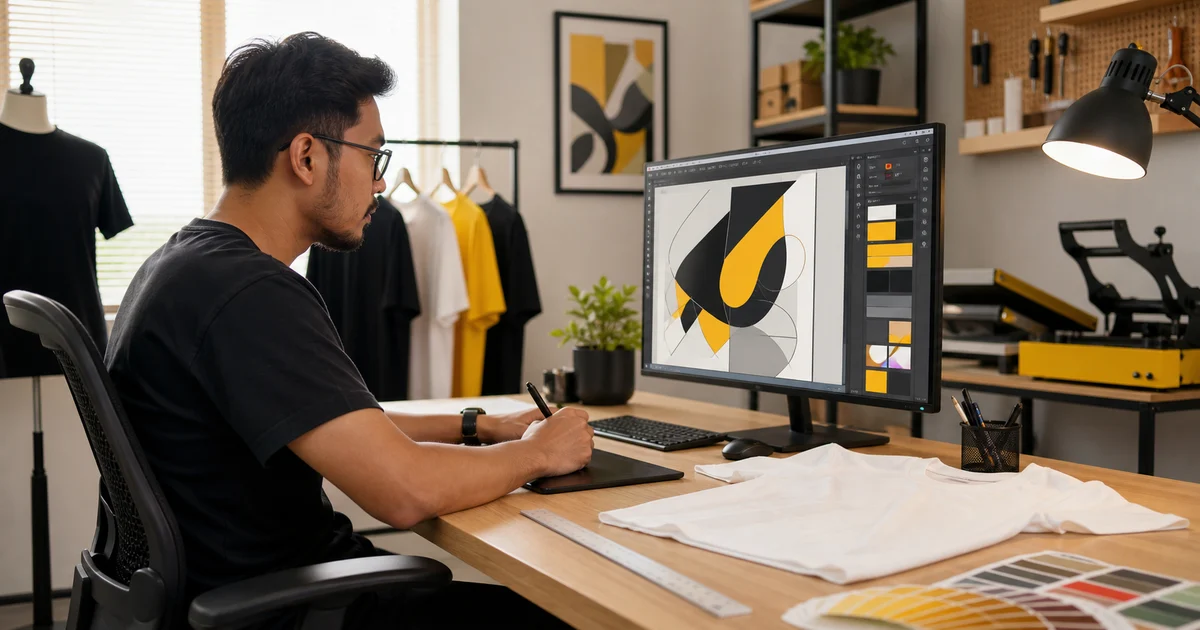
Good artwork shortens production time and reduces costly changes. A screenshot or messaging-app image may look fine on a phone but still be unsuitable for a large shirt print.
Use a vector file when possible
AI, EPS, SVG and print-ready PDF files can store shapes as vectors. A printer can scale them without making the edges blurry. Vector files are especially useful for logos, lettering and limited-colour silk screen artwork.
Convert fonts to outlines or include the font files you are licensed to share. Otherwise, missing fonts can change the design when the printer opens it.
Use a high-resolution PNG for raster artwork
Photographs and painted illustrations are made from pixels. Send the original high-resolution file, not a screenshot. A transparent PNG is useful when the design should print without a rectangular background.
Resolution depends on the final size. Ask the printer to confirm whether your file remains sharp at the intended width in centimetres.
State the finished dimensions
Terms such as “small chest” and “large front” are open to interpretation. Give the design width and, when important, its distance from the collar or seam.
For mixed shirt sizes, ask whether one print size will be used across the order. A design that looks balanced on size M may appear smaller on 3XL.
Manage colour expectations
Screens emit light, while fabric and ink reflect it. The result will not always match a phone display. Provide Pantone, CMYK or another agreed colour reference for important brand colours.
Garment colour also changes how ink looks. White underbase ink may be needed on dark shirts. Approve a physical sample when the colour is critical.
Proof checklist
Before production, confirm:
- Correct artwork version and spelling
- Print size and position
- Shirt colour and material
- Front, back and sleeve files
- Colour reference
- Names and numbers in the correct rows
Keep approval in writing so both sides work from the same version. For the rest of the ordering process, follow our custom t-shirt ordering guide.
Ready to compare suitable printers?
Get 5 Free Quotes